Aukin SP6 4G LTE Solar Security Camera – Lifetime Free Data, No WiFi, 360° PTZ & 2K Color Night Vision

$269.00 USD
$399.00 USD
  • Free worldwide shipping

  • Free returns

  • Carbon neutral

  • Secure payments

Quantity
Color
Data Plan
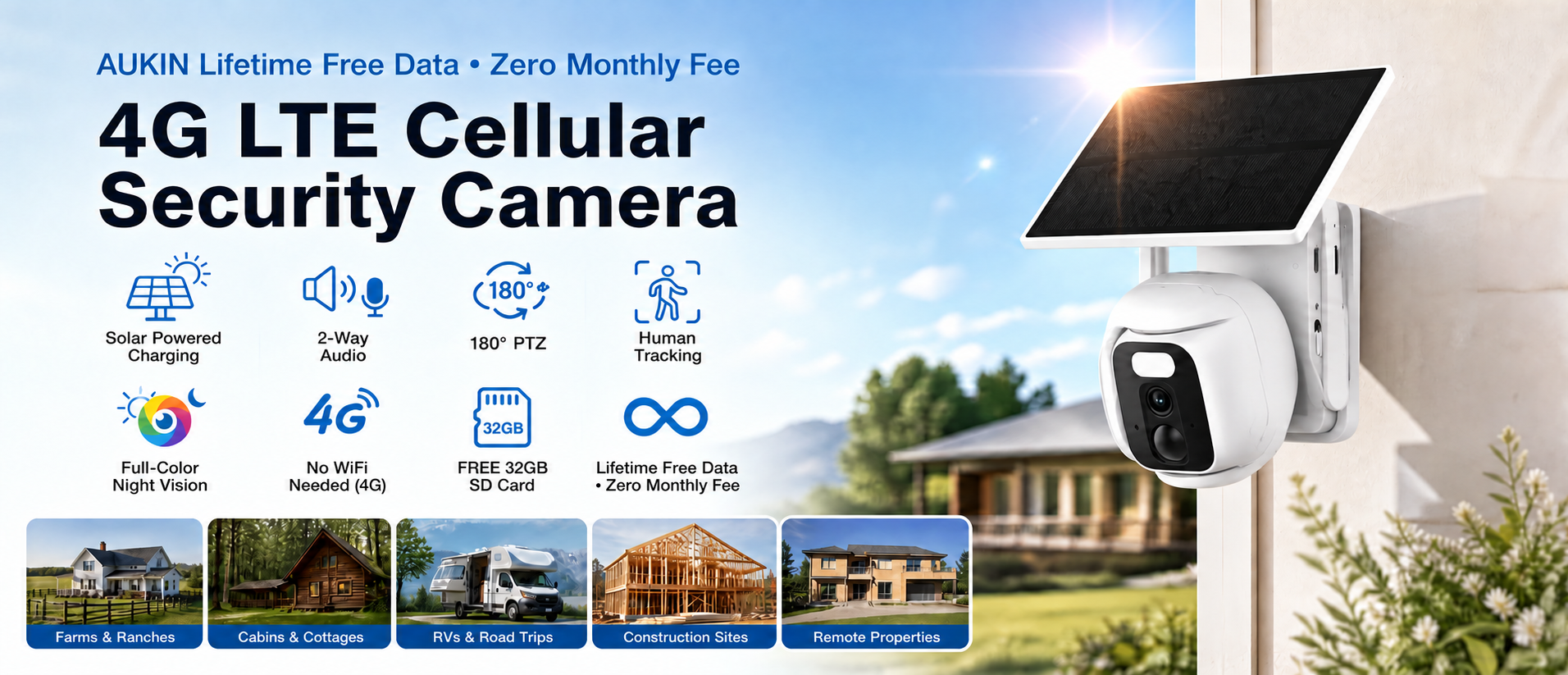
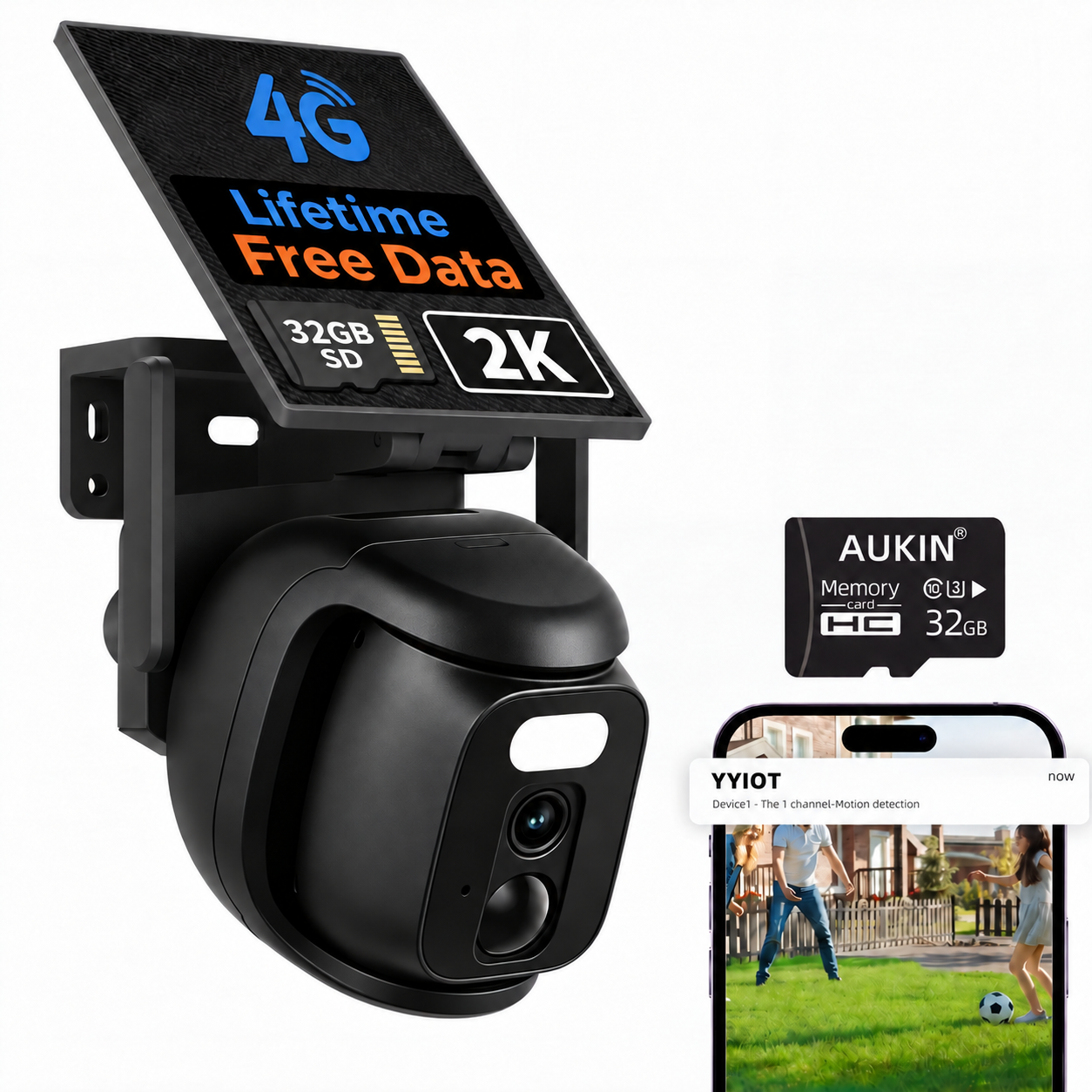
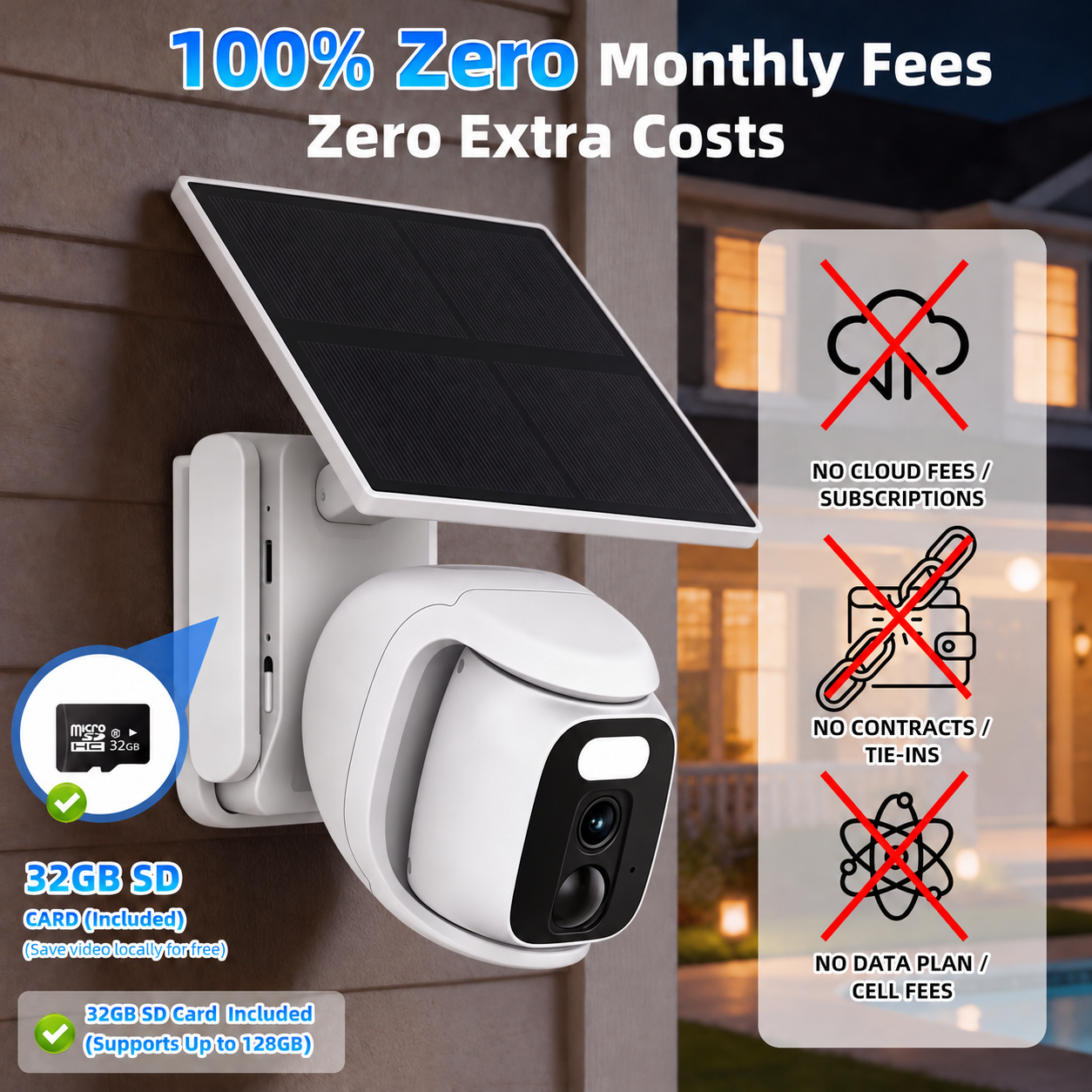
  • $0 monthly fee – Lifetime free cellular data (built‑in VSIM, works with AT&T, T‑Mobile, Verizon) Cellular data is included for 1 year or a lifetime, depending on the plan selected.
  • No WiFi needed – 4G LTE works anywhere with US cellular coverage
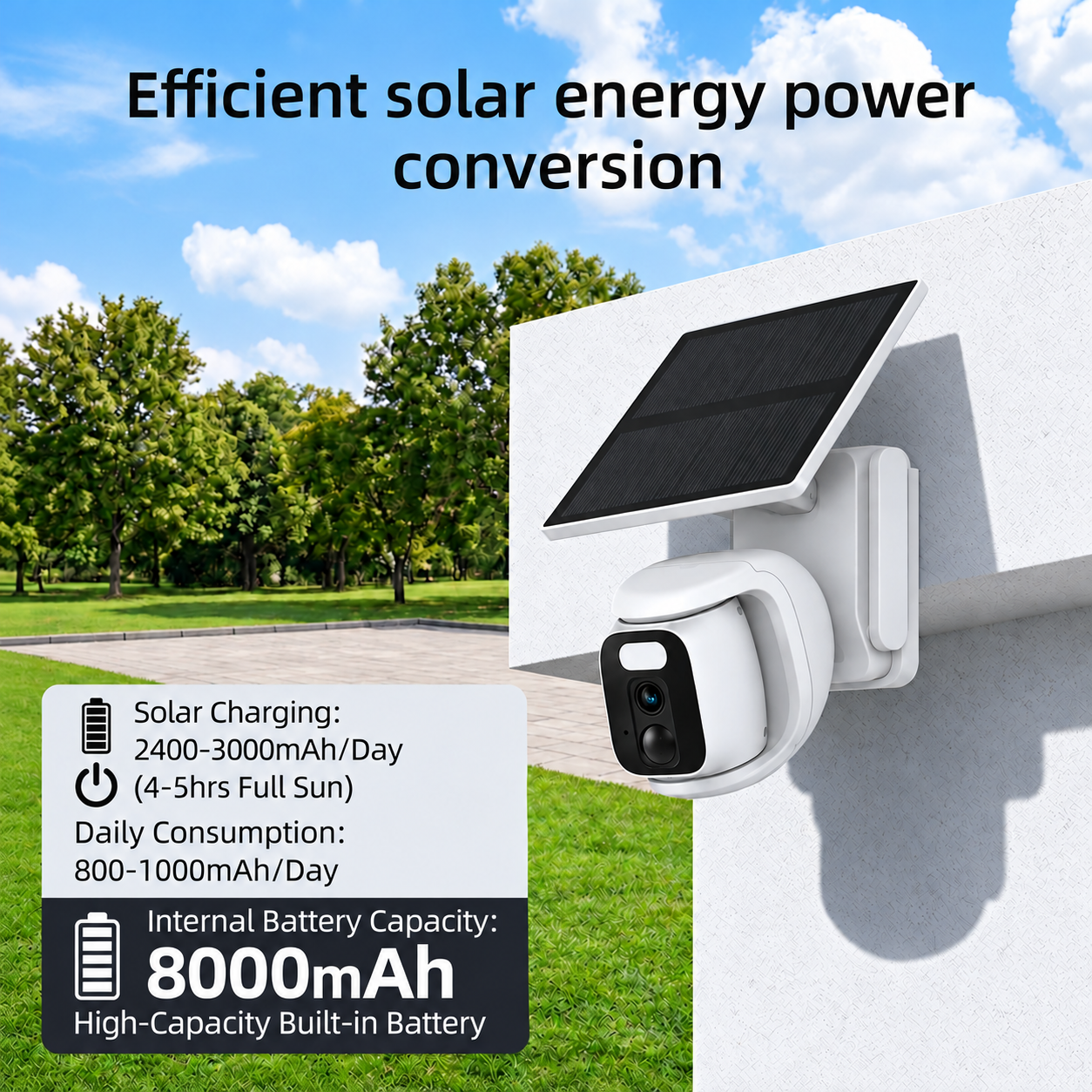
  • Solar powered – 7000mAh battery + efficient solar panel keeps it running 24/7
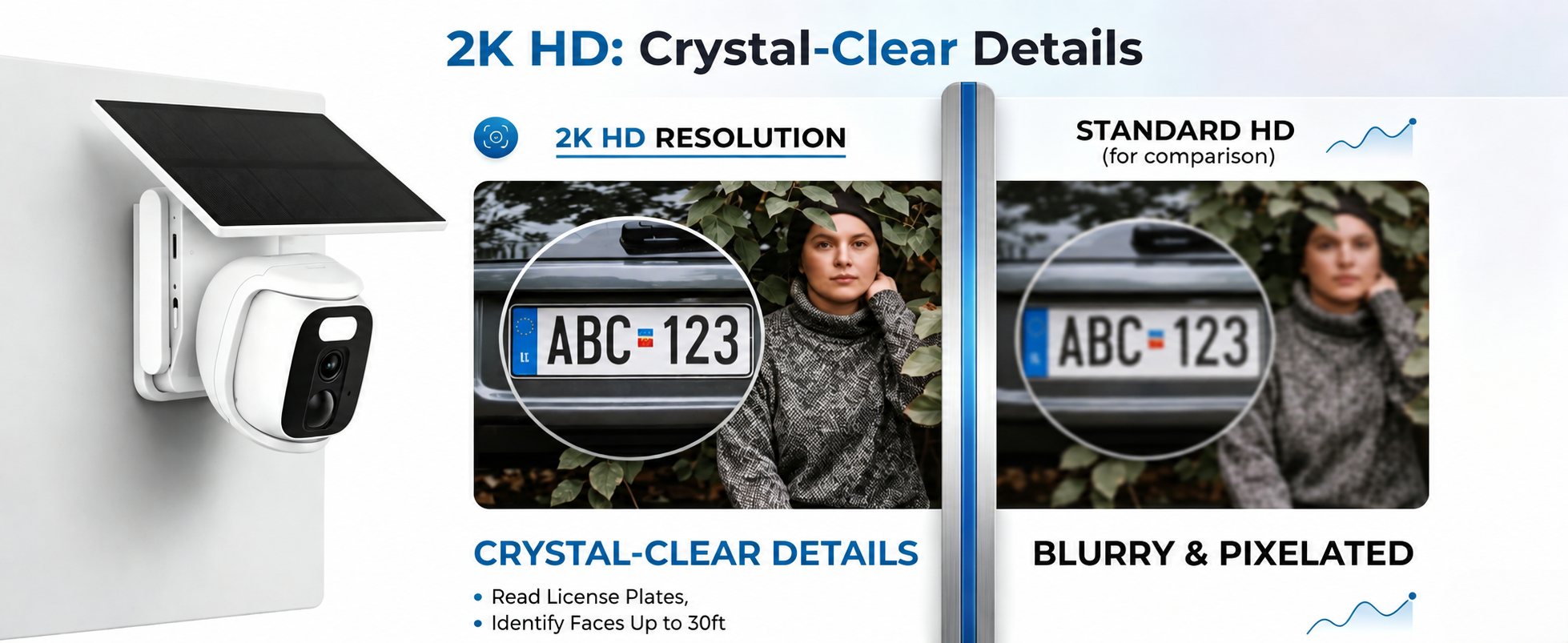
  • 2K HD & full‑color night vision – sharp details day or night
  • 360° PTZ + human tracking – remotely rotate & auto‑follow people
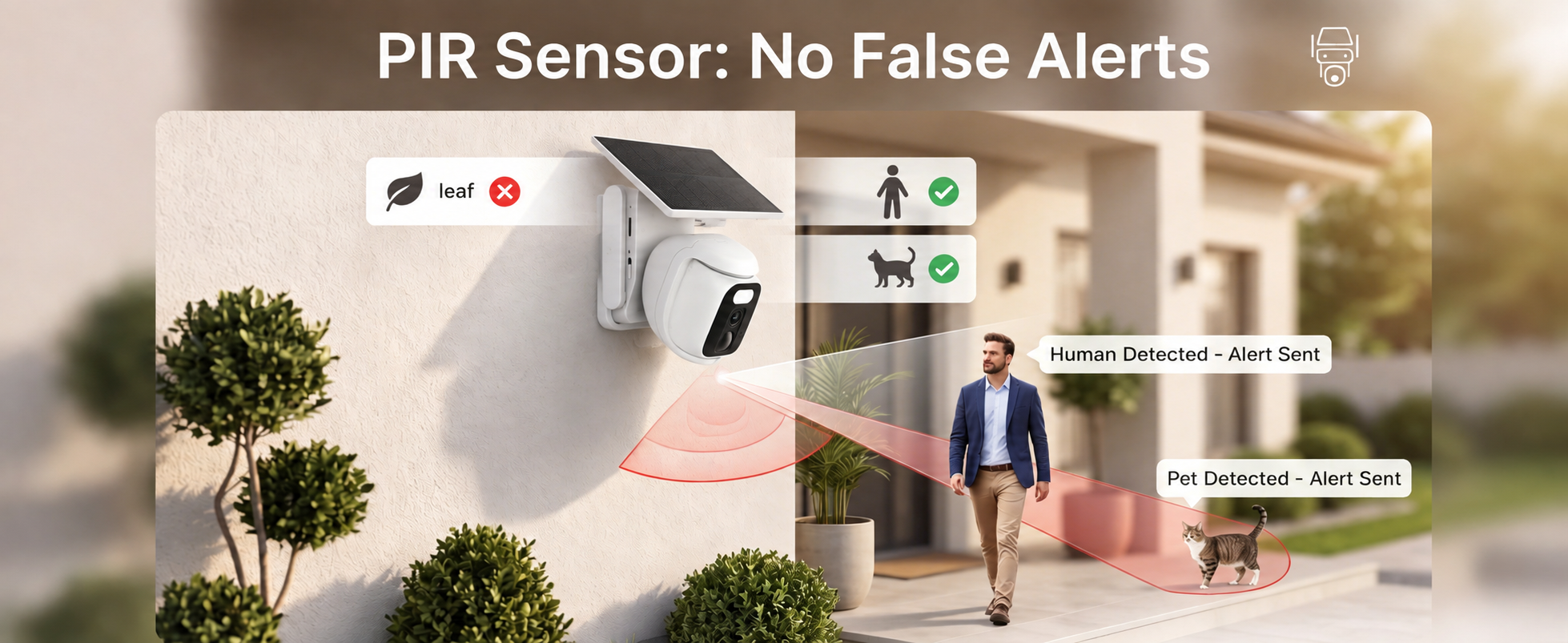
  • PIR motion detection – fewer false alerts, more accurate triggers
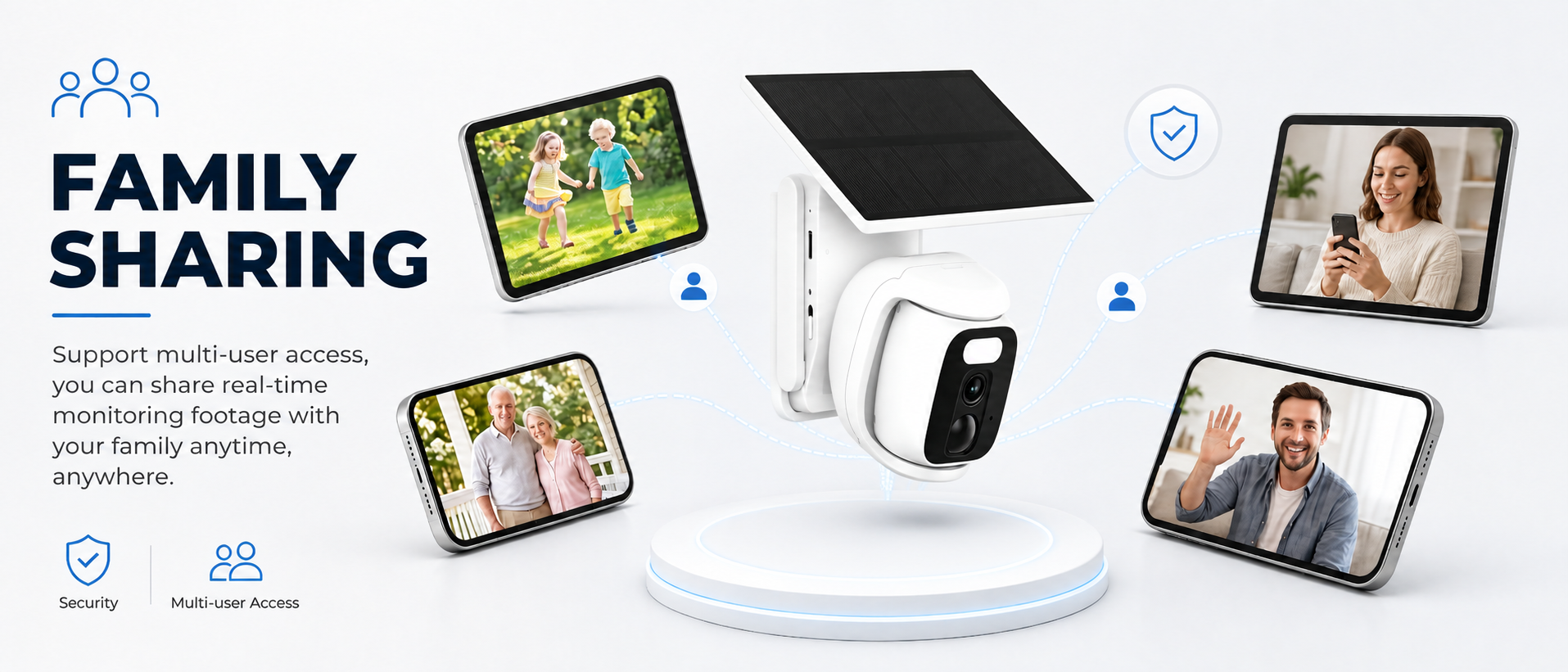
  • Two‑way audio & 32GB TF card – talk to visitors, no cloud fee
  • IP66 weatherproof – rain, snow, or sun, it keeps working

AUKIN Solar Powered Camera:Worth Every Penny—Total Peace of Mind

AUKIN Solar Powered Camera:Worth Every Penny—Total Peace of Mind

4G Outdoor Security Camera with 2K HD, PIR Motion Detection, Full Color Night Vision and Two-Way Audio

4G Outdoor Security Camera with 2K HD, PIR Motion Detection, Full Color Night Vision and Two-Way Audio

Wireless Yard Surveillance Camera, Night Vision, Motion Alerts, No Monthly Fee, Local Storage

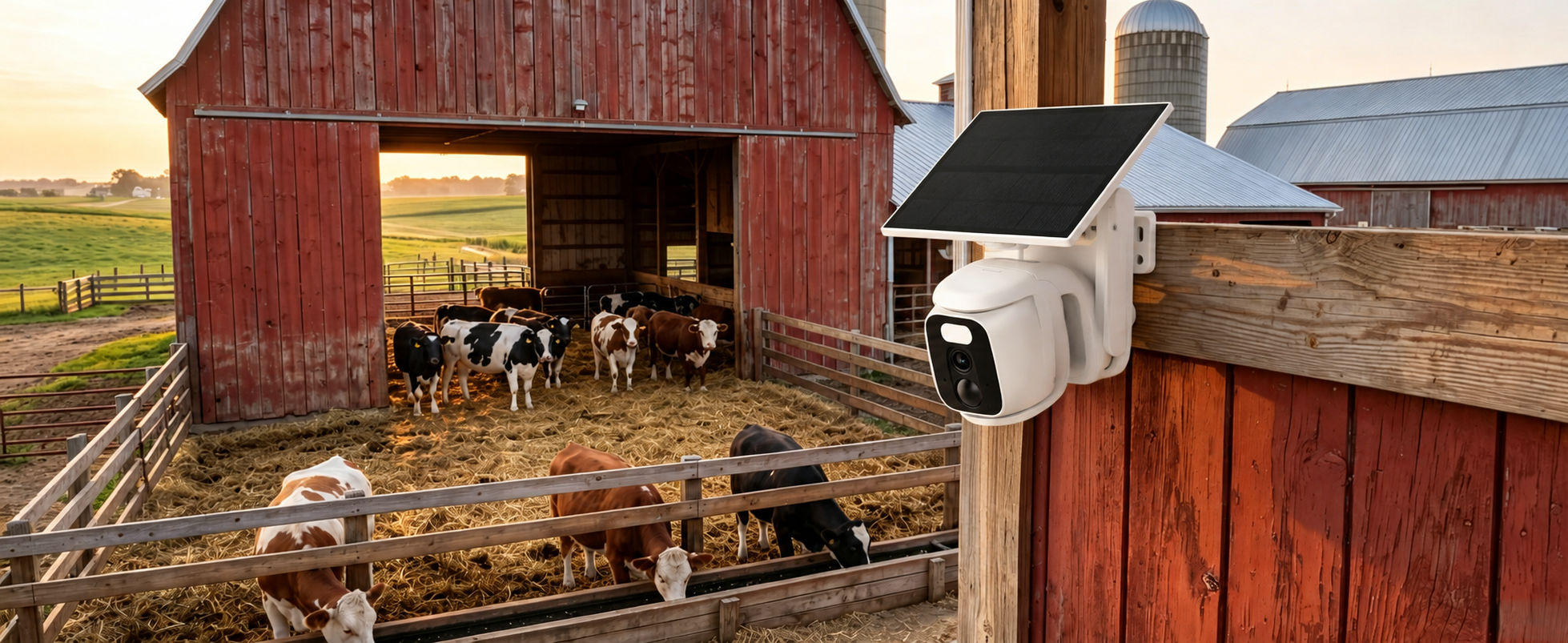
4G Farm Security Camera, No WiFi Coverage, Monitor Livestock, Barns & Property 24/7

Aukin 4G Security Camera Accessories Kit with Pre-Installed 32GB Memory Card

Aukin 4G Security Camera Accessories Kit with Pre-Installed 32GB Memory Card
Frequently Asked Questions
How do I activate this Aukin 4G security camera?


Super easy! Plug in the camera, open the Tuya Smart app, and follow in-app instructions to add it. Pre-installed SIM and 32GB SD card connect automatically. No WiFi setup, no complicated steps—ready in 2 m

Why won't the camera record when someone walks in front of it?
This is usually caused by low PIR motion sensitivity or incorrect detection zone settings. Open the Tuya Smart app, go to Camera Settings > Motion Detection, and adjust the sensitivity level.

Cart

loading